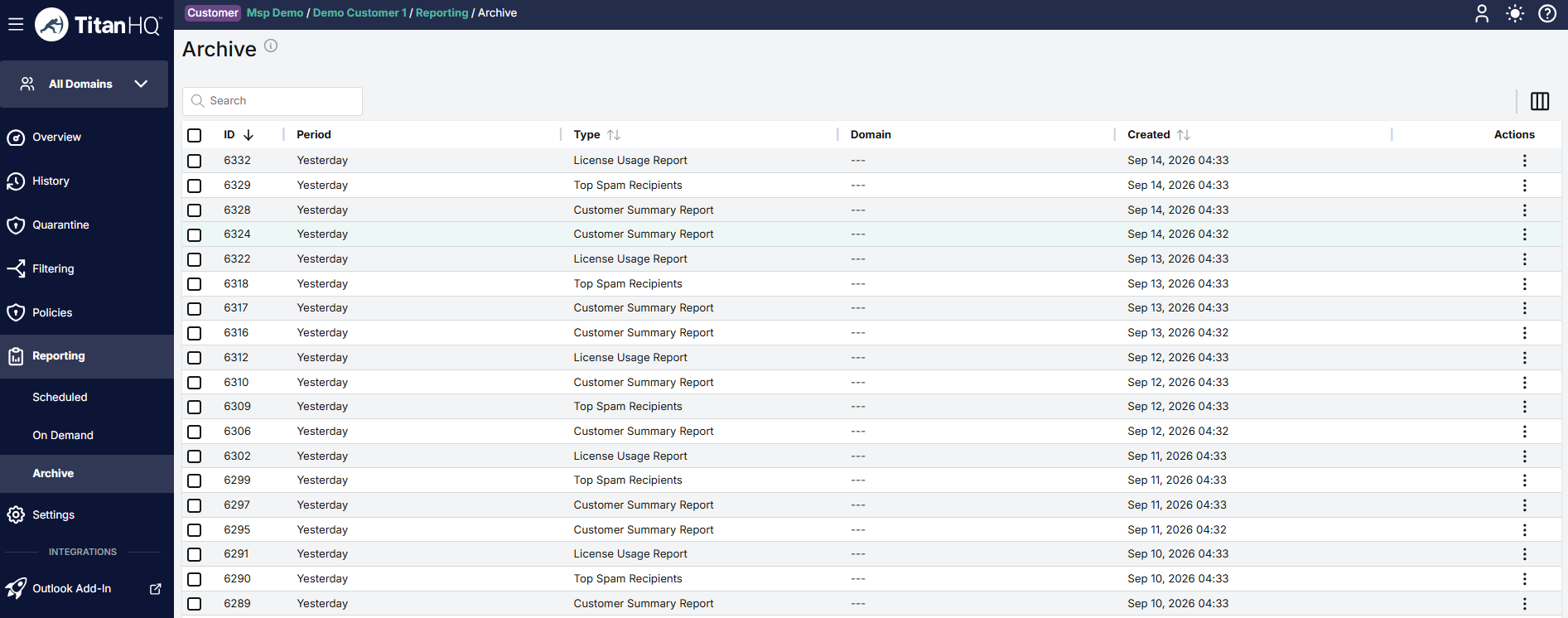
Go to Reporting > Archive to view all scheduled or on demand reports that have been archived.
Use the Search box to search the list of archived reports.
Click the column icon to display the table column names. Slide each on and off to view or hide a column.
To delete an archived report, check the box next to the report and click Delete.
To download a report, select a button in the Actions column. Available formats are Text, Excel and PDF.