
Adding a Link Lock Admin

An administrator can be enabled as a Link Lock Admin when they are added to the system. For more information, see Managing administrators in SpamTitan Skellig.
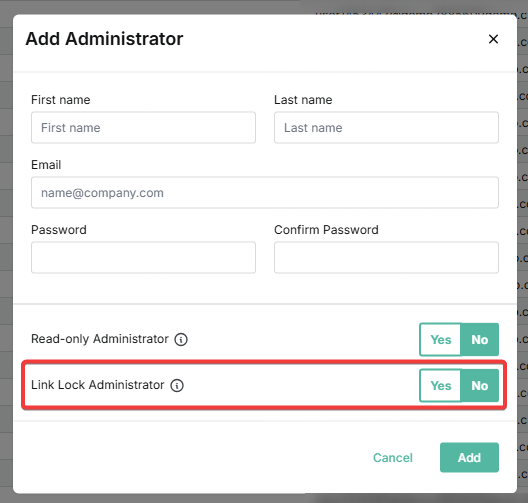

You can also follow the steps below to edit an existing administrator and enable them as a Link Lock Admin.
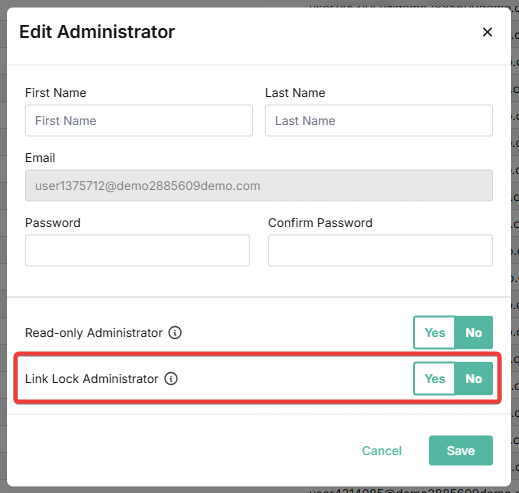
1. Go to Settings > Administrators.

2. Click on the edit icon in the Actions column for the applicable administrator.

3. Click Yes at Link Lock Admin.


4. Click Save.

Was this article helpful?

That’s Great!

Thank you for your feedback

Sorry! We couldn't be helpful

Thank you for your feedback

Let us know how can we improve this article!

Select at least one of the reasons
CAPTCHA verification is required.

Feedback sent

We appreciate your effort and will try to fix the article