
Go to History in the side navigation to view emails that have been processed by SpamTitan.
Note: Date filters and displayed times use the user's browser timezone.
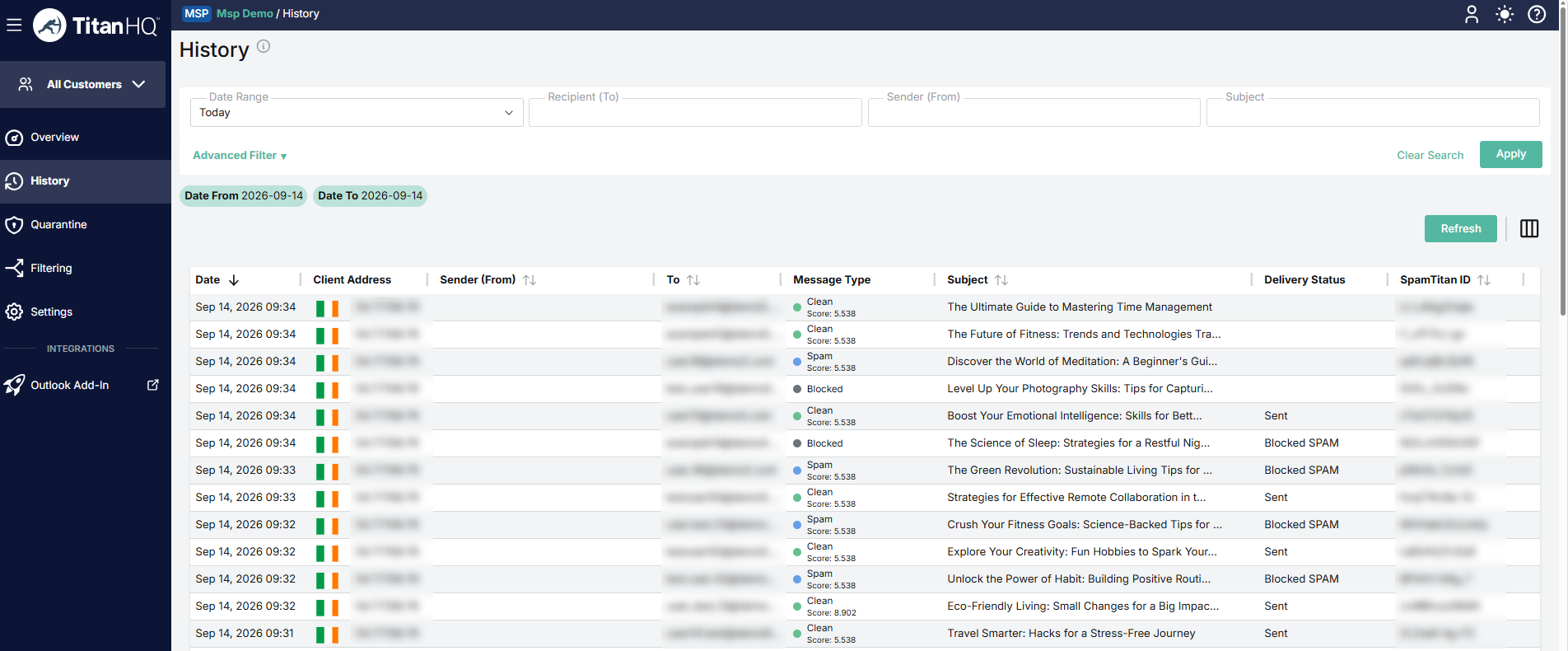
Click Advanced Filter to expand the advanced search options. Read more in Searching Mail History.
Click the Refresh button to refresh the history list.
Click the column icon to display the history table column names. Slide each on and off to view or hide a column.
Click on any email from the list to view more information about it in a slide-out panel. Read more in Managing Email History.