
Symptom
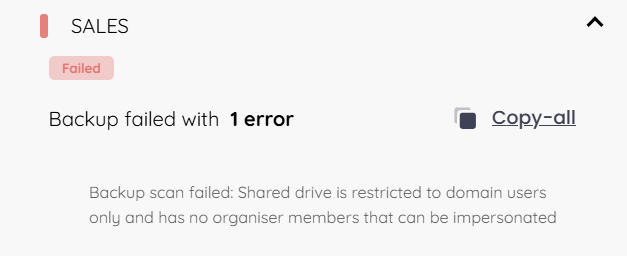
A backup of a Google shared drive fails, with the following error displaying in the RedApp: "Shared drive is restricted to domain users only and has no organiser members that can be impersonated".
Cause
For the backup of standard Google Drives, the RedApp service account needs the Owner role in the relevant Google Workspace tenant in order to access the data for backup. However, shared drives do not have an Owner role, only an optional Manager role (called organizer in the API, as noted in Google's developer documentation here). If the members of a shared drive do not include a Manager role for the RedApp service account, backups will fail.
There are three ways this can happen:
1. The RedApp service account (redstor-cloud2cloud@redstor-cloud2cloud.iam.gserviceaccount.com) is not a member of the shared drive.
2. The RedApp service account is a member of the shared drive, but the drive is restricted to domain users only. This means no users outside the tenant and its Organizational Units can access the drive, so the RedApp service account will not have the necessary access.
3. The shared drive has no members at all. An "orphaned" drive has no user emails associated with it, which means there are no other accounts with the necessary access which our service account can attempt to impersonate in order to access the data for backup.
Solution
1. Sign into the Google Admin Console as a super admin.
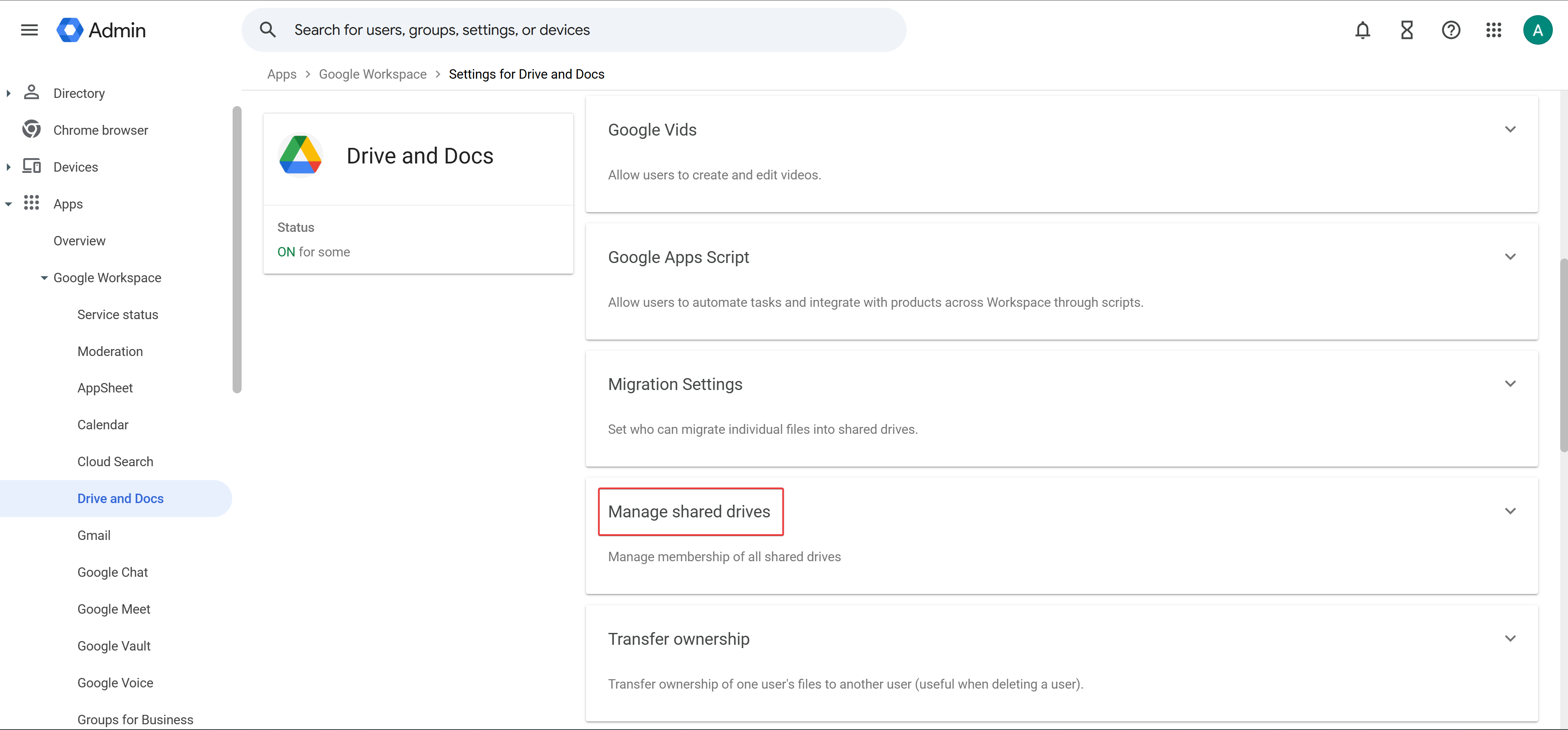
2. From the side navigation, go to Apps > Google Workspace > Drive and Docs > Manage Shared drives.
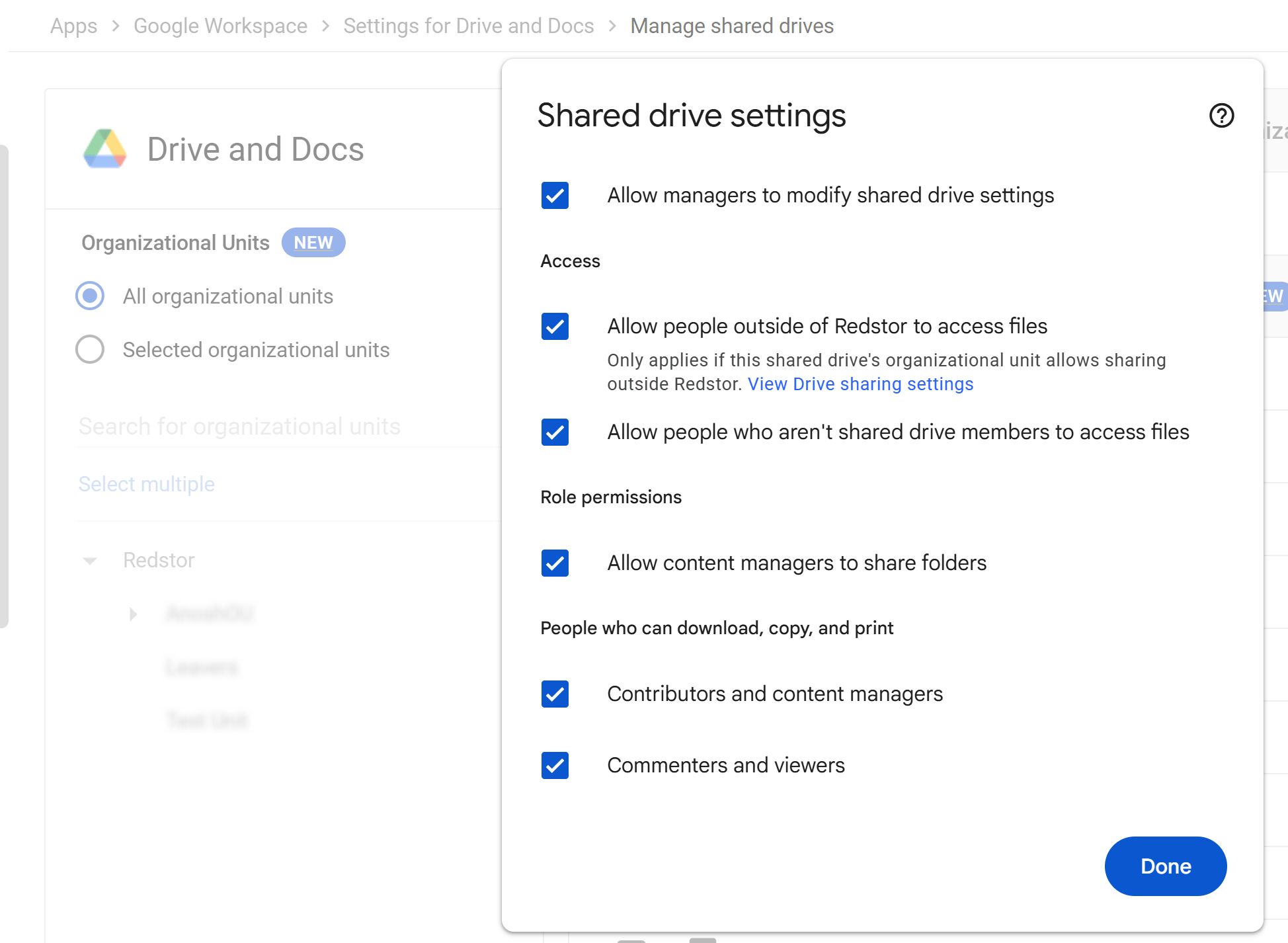
3. Optional: Go to Settings and allow any options that are applicable to your organisation.
4. Hover over the affected shared drive and click Manage members.
5. Add one of the following email addresses and assign it the Manager role:
- the tenant super admin who set up the backup set in the RedApp OR
- the RedApp service account (redstor-cloud2cloud@redstor-cloud2cloud.iam.gserviceaccount.com)