
If you need to contact our support team because you are experiencing an issue on the SentriqAI Platform, follow the steps below to ensure your ticket gets triaged correctly.
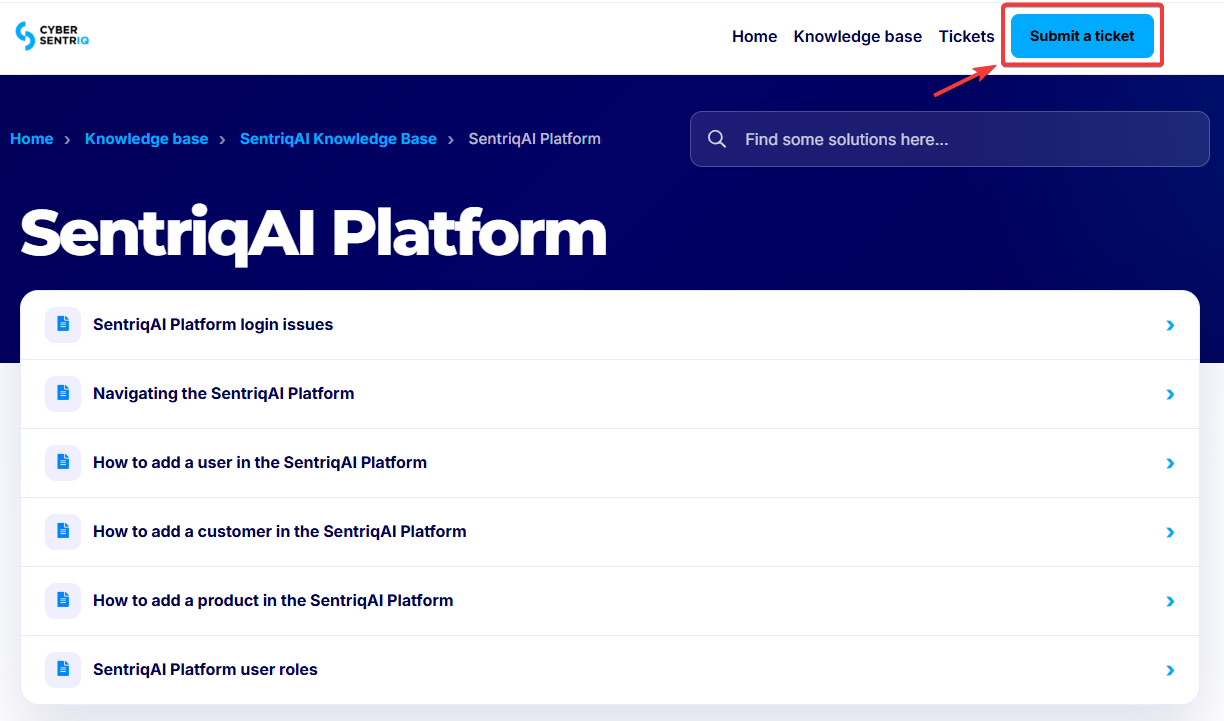
1. Click Submit a ticket at the top of this page.
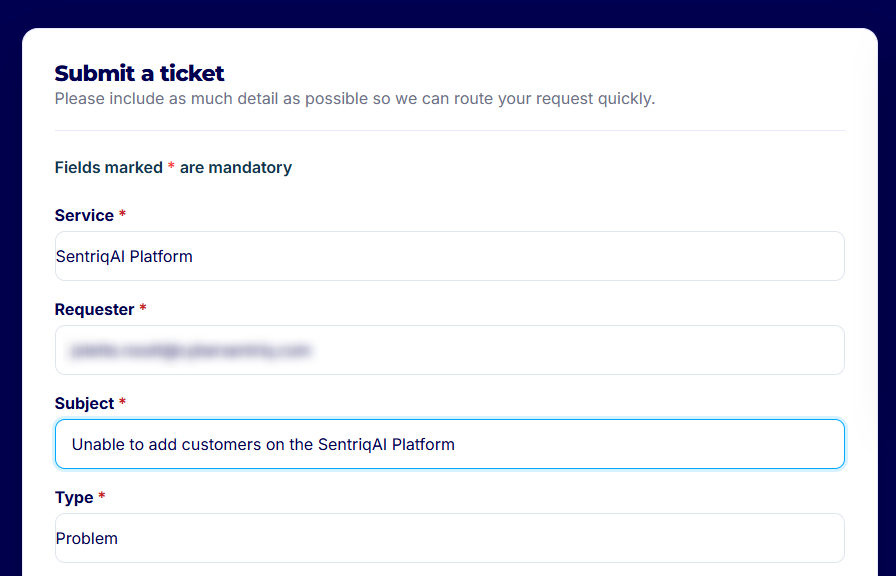
2. Under Service, select SentriqAI Platform.
3. Under Requester, add your email address.
4. Under Subject, type a clear summary of the problem, making sure to include the name SentriqAI.
5. Under Type, select Problem.
6. Under Product, select SentriqAI Platform.
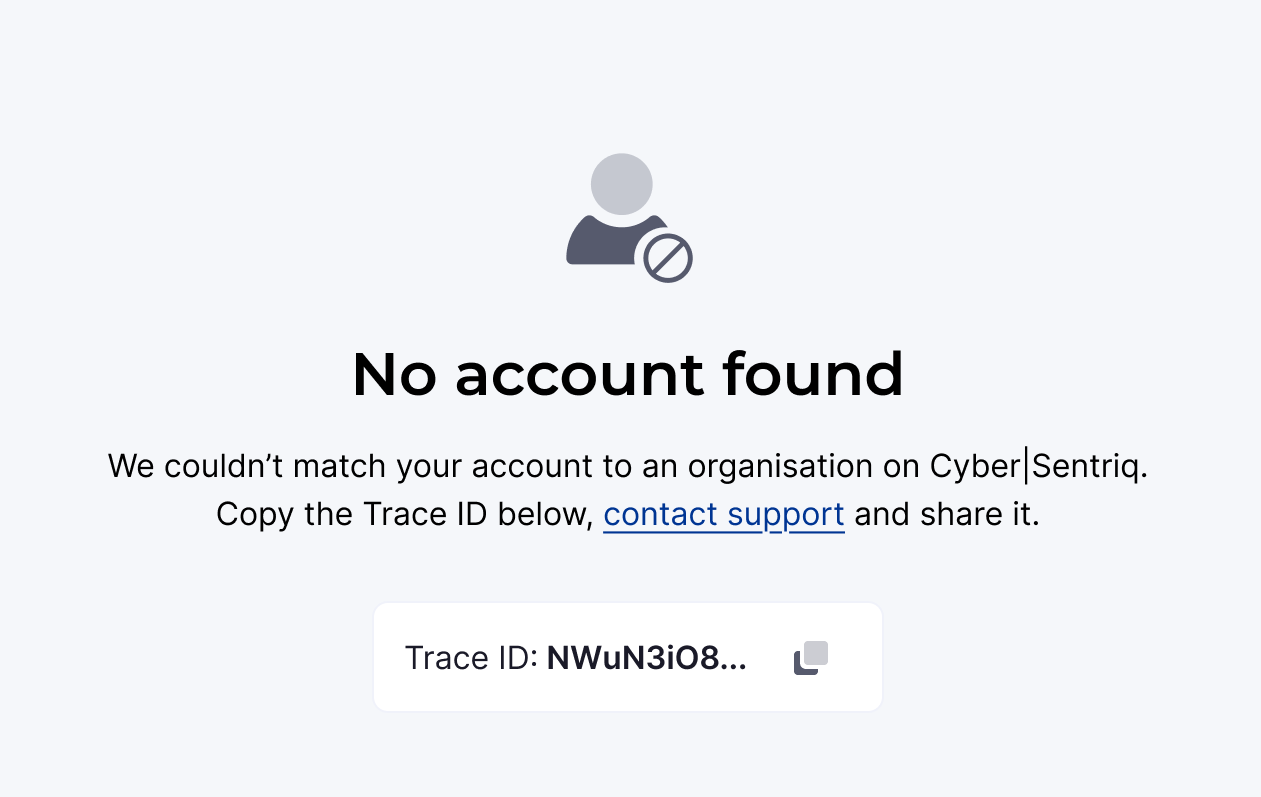
7. Add a short description of the problem, attaching screenshots if possible. If a trace ID is included in the error you are seeing, copy and paste the ID into the ticket.
8. When you're ready, click Submit.